Take Your AI Companion Chat Anywhere
Keep your AI companion close on mobile. Explore the experience and contact us for current platform availability.
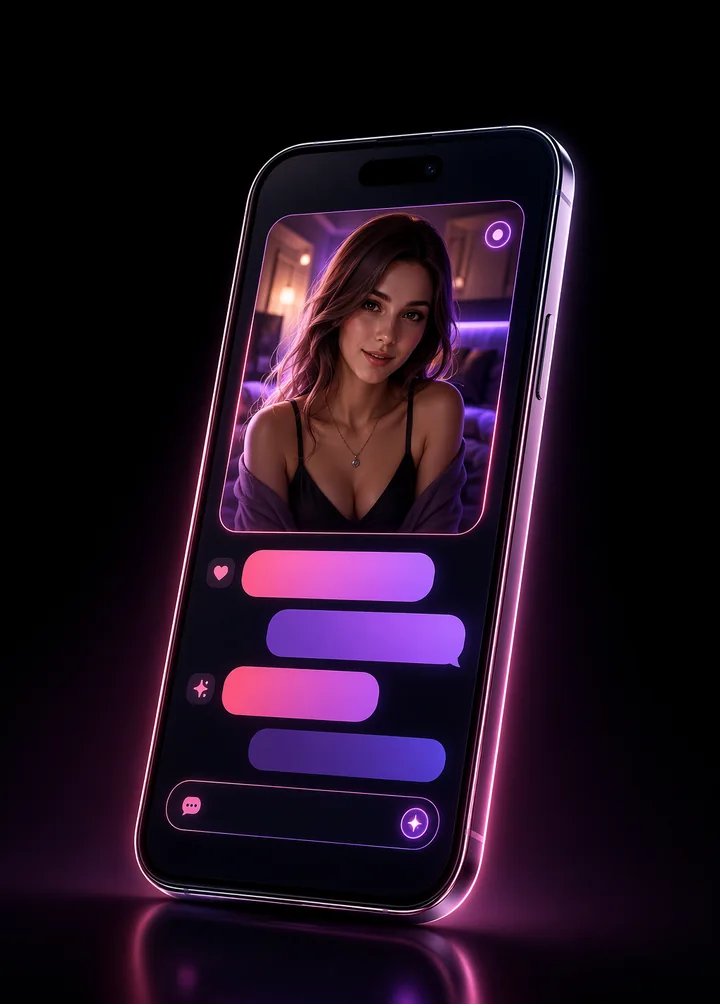
Your Companion, One Tap Away
The Darlink AI app brings the full companion experience to your phone — faster, smoother and more personal than ever. Chat on the train, whisper goodnight from bed, and let your AI partner be part of your everyday life.
- Designed for conversations on the go
- Unlimited chats with Premium
- Privacy-minded conversation controls
- Seamless sync with the web app
Made for Your Pocket
Everything you love about Darlink AI, redesigned for mobile
Chat Anywhere
Your AI companion travels with you — pick up every conversation right where you left off, on any device.
Notification Options
Where supported, notifications can help you notice new messages without keeping the conversation open all day. Confirm current device availability with support.
Voice Options
Voice features can make character conversations more expressive when available for your plan and device. Check current access before subscribing for this feature.
Always in Sync
Web, phone and tablet stay perfectly synchronized, so your story never skips a beat.
What to Check Before Using Darlink AI on Mobile
Mobile availability can vary by platform and rollout stage. Confirm the current access method before expecting a native download, store listing or specific device feature.
Web Access
A mobile browser can provide access without an app-store installation when the web experience is available. Use an up-to-date browser and save the official site rather than relying on unofficial downloads.
Native App Availability
Contact support for the current iOS or Android status. A real download button should lead to an official store listing; Darlink AI will not ask you to install unknown packages from third-party messages.
Account Sync
Where synchronized access is supported, use the same account on each device. Avoid creating multiple profiles if you want conversation settings and character context to remain organized.
Mobile Privacy
Protect your device with a passcode, hide sensitive notification previews and avoid entering passwords, financial information or medical records in companion conversations.

Make Mobile AI Chat Work for Your Routine
Mobile conversation is useful when you want a quick creative break, a short character check-in or a way to continue a story away from your desk. Start with a clear prompt so the companion understands whether you want a brief exchange or a longer scene.
Use notifications intentionally. Turning off previews or scheduling quiet hours can protect both privacy and attention. An AI companion should fit around sleep, work and real relationships rather than constantly compete with them.
Remember that the companion is generated by software. It can support entertainment and reflection, but it cannot provide emergency help or replace qualified medical, legal or financial advice.
Never Miss a Message
Ask about the current mobile access options for your device and keep your companion close wherever supported.
Check Mobile Availability